Visible cues
Posture, eyes, ears, activity, and scene context stay attached to each check-in.
 PawSignal
 Pet behavior cues, clearly logged.
Turn dog and cat photo check-ins into visible cue evidence, care notes, and a private behavior journal.
Not veterinary diagnosis. For urgent symptoms, contact a licensed veterinarian.
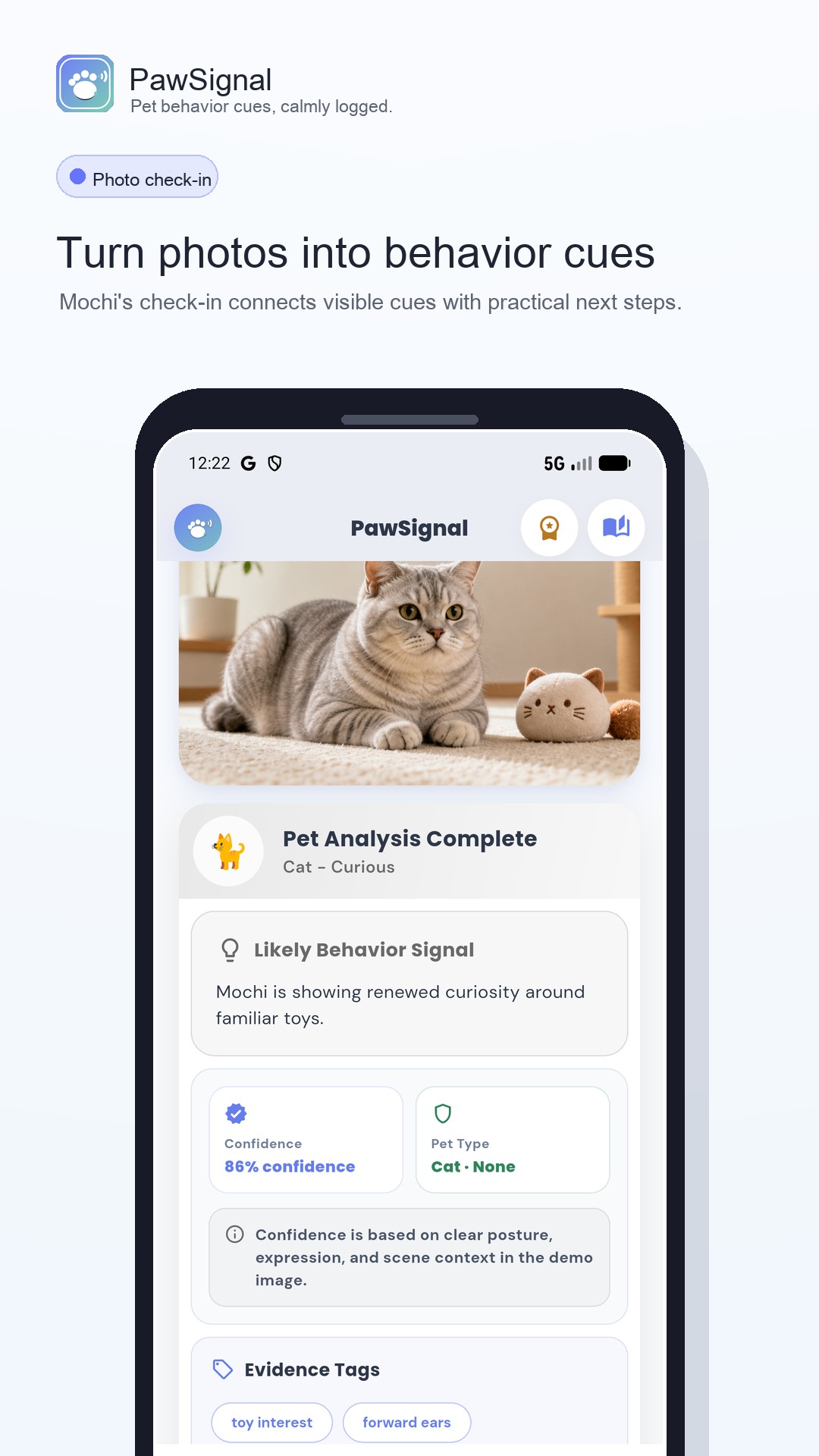
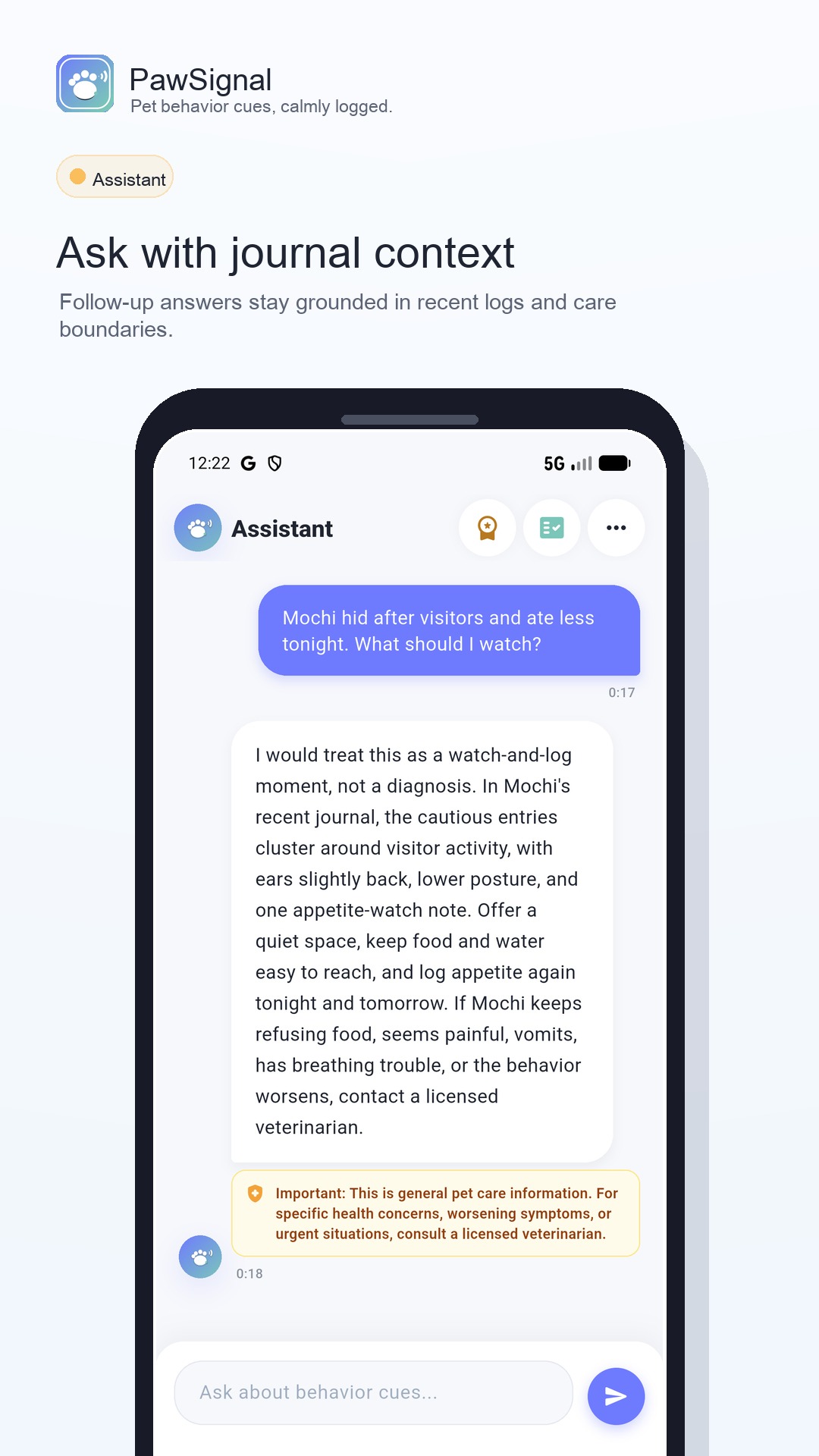
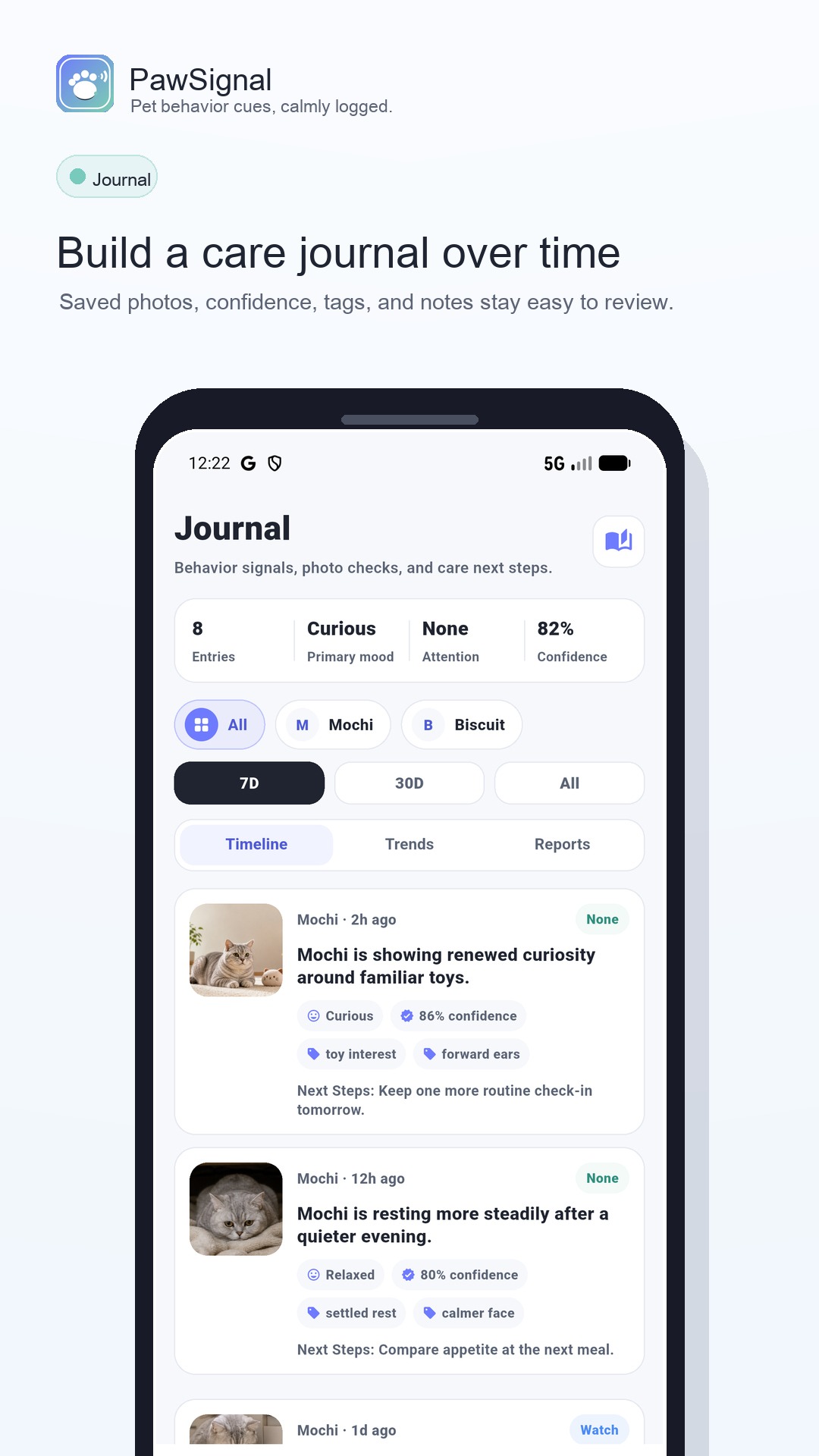
Posture, eyes, ears, activity, and scene context stay attached to each check-in.
Calm, curious, watch, stressed, or tired is framed as a cue-based read, not certainty.
PawSignal explains why the photo is clear enough, or why another angle may help.
Practical notes help you monitor, adjust routines, add enrichment, or ask a follow-up.
Health and urgent-risk language stays clearly outside veterinary diagnosis.
Each check-in follows a simple loop: context, photo, evidence, journal.
Use saved pet facts like species, breed, lifestyle, and care notes as context.
Choose a clear dog or cat photo when the face and body are visible.
See the evidence, confidence boundary, and non-diagnostic care notes.
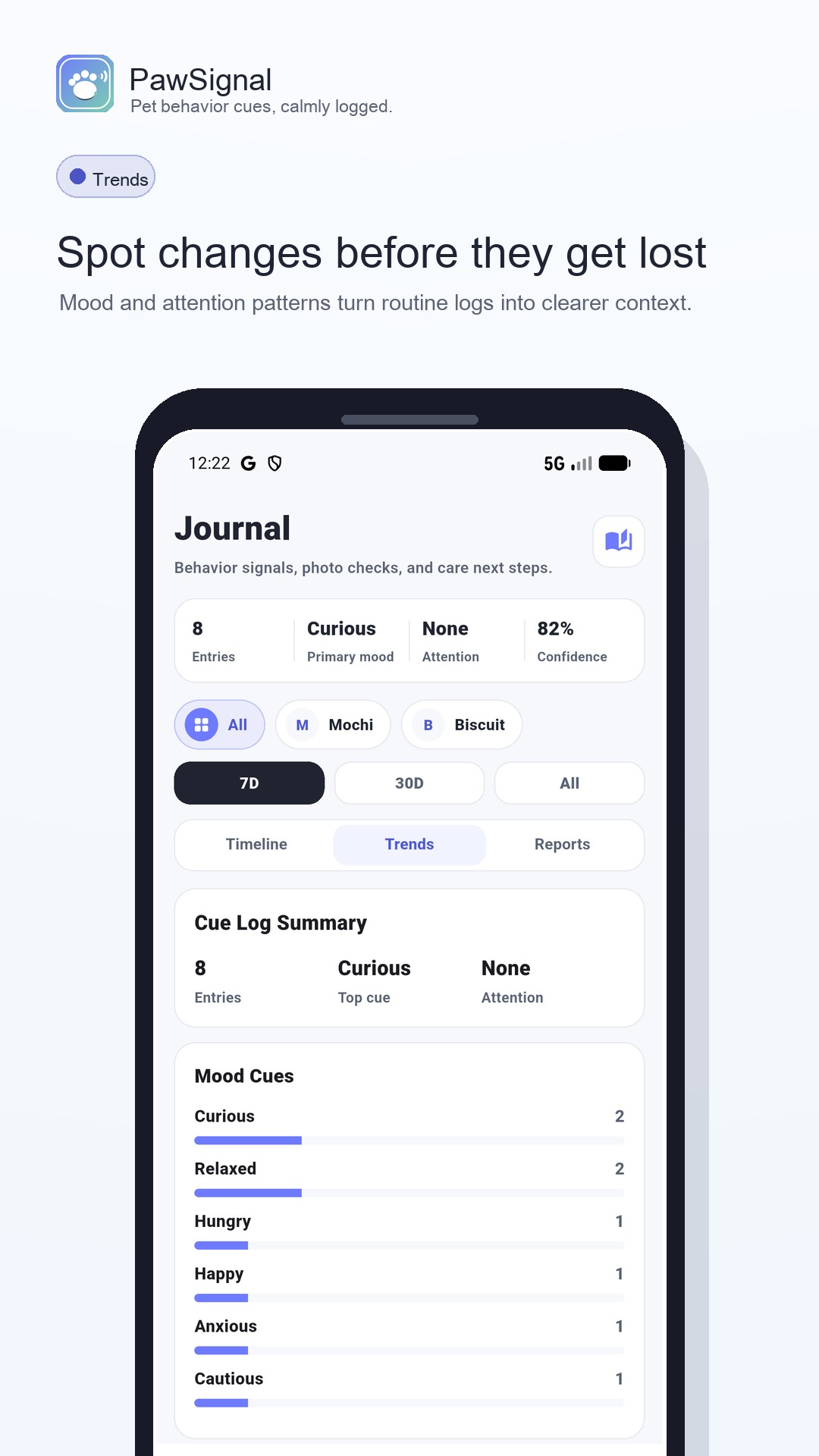
Keep the check-in in a pet-specific timeline for patterns over time.
Save pet-specific entries, review likely signals over time, use filters when the history grows, and prepare privacy-aware exports when you need to share context.
Assistant can use saved pet profile context for care questions. Pro can add recent journal memory for deeper follow-up when that feature is active.
PawSignal is local-first for the journal, but transparent about the moments where backend services are needed.
Pet profiles, saved photos, journal entries, assistant history, exports, credits, and settings.
Selected photo data, request context, and saved pet profile facts for the AI result.
Receipt verification, credit protection, coarse product events, and sanitized analytics.
Free users can still get basic check-ins and urgent-care boundaries. Pro is for more context, fewer interruptions, and stronger journal tools.
Each page keeps the same product boundary: visible cue evidence first, journal context over time, and no veterinary diagnosis.
Download PawSignal to log visible pet behavior cues without turning everyday care into guesswork.